Our concept
— free for everyone
Right now you use credits to run edits. As we grow, you’ll be able to enable ads in settings to earn free edits and help make AfterGen accessible to everyone.
Learn morePrivacy first
— no uploads stored
We process your upload only to produce the result, then discard it. No image storage, no training on your uploads, and minimal data collection.
Learn moreQuality & speed
— under 30 SEC
State-of-the-art models on high-end NVIDIA GPUs—optimized FP8 inference for results typically in under 30 seconds.
Learn more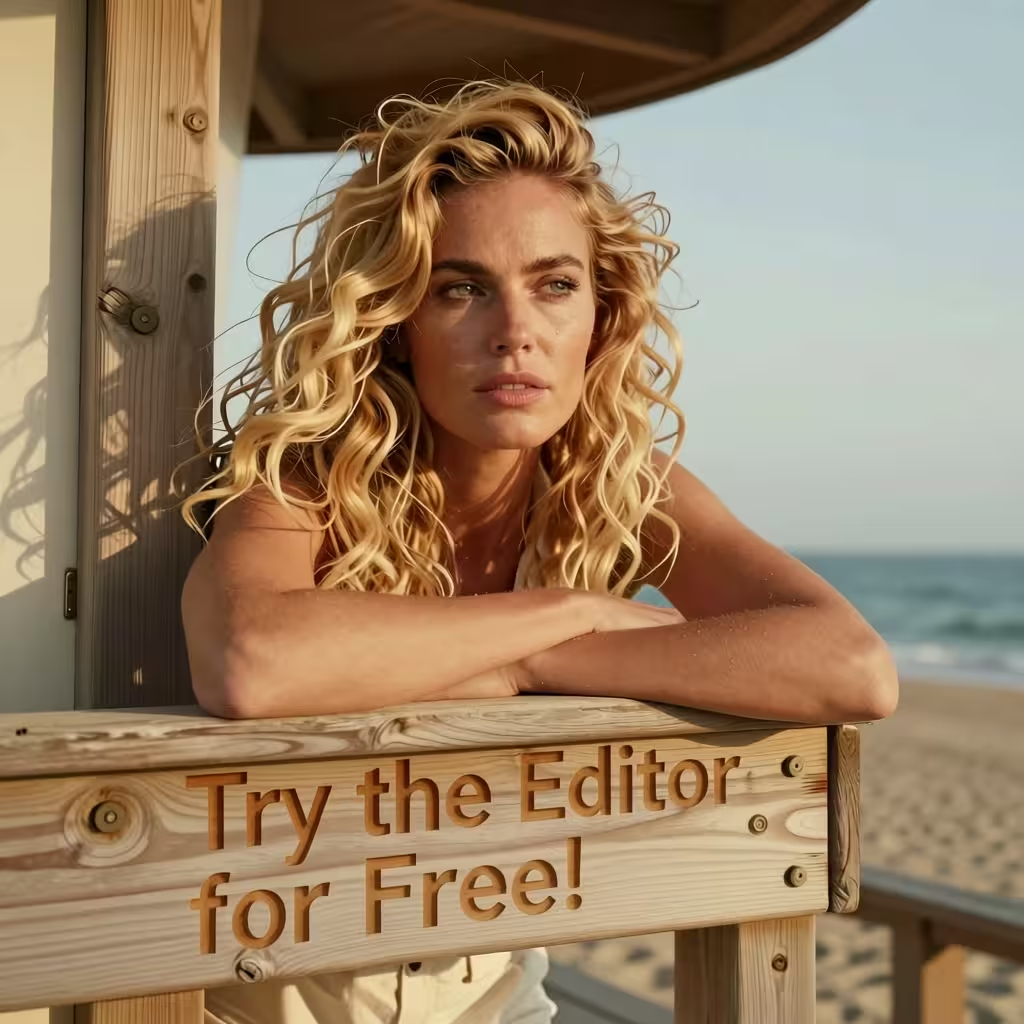
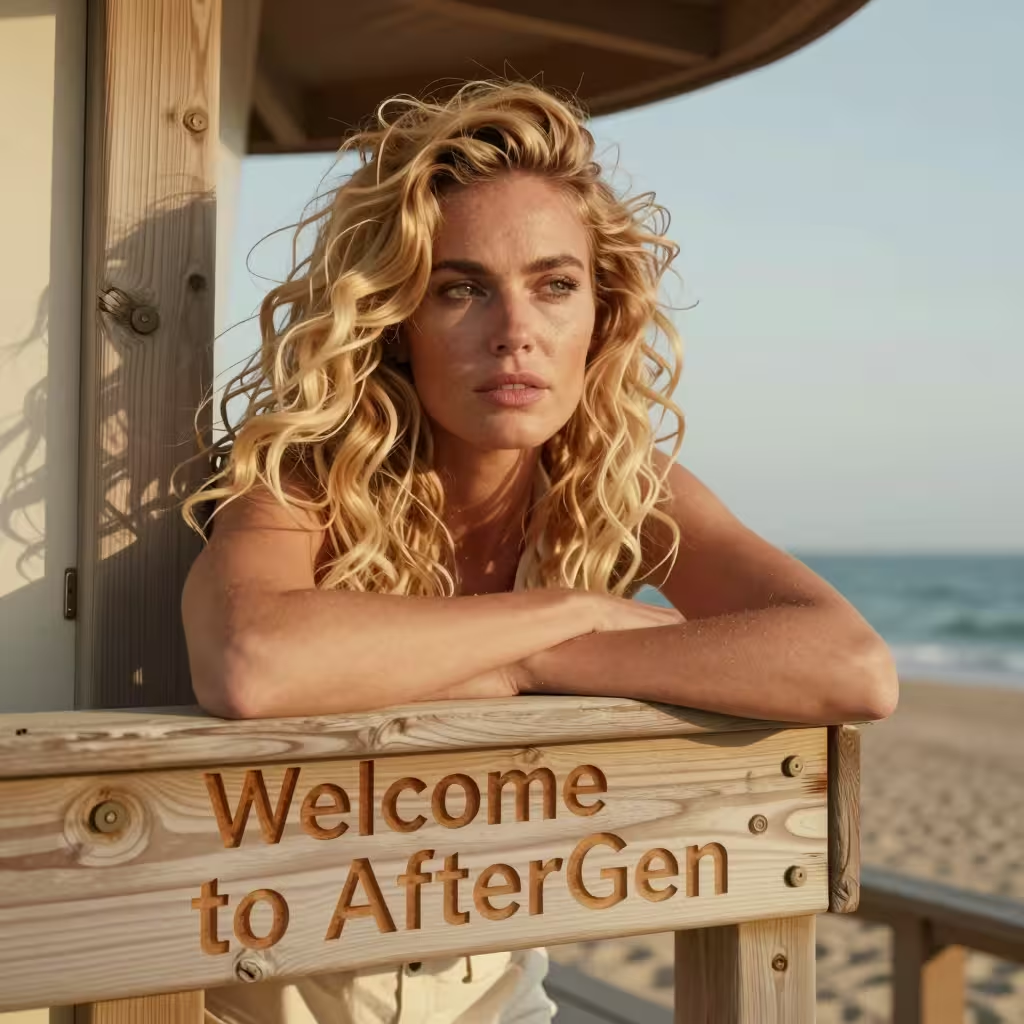
Move the slider to compare before and after.
Precise text editing and understanding
Replace text in an image while keeping it believable. Here we swap the sign lettering while preserving perspective, wood grain, and natural shadows—so it still looks like a real photo.
Deep Object understanding
Edit a single object without changing the rest of the scene. In this example the sweater color is changed from red to blue while the fur detail, lighting, and background stay consistent.
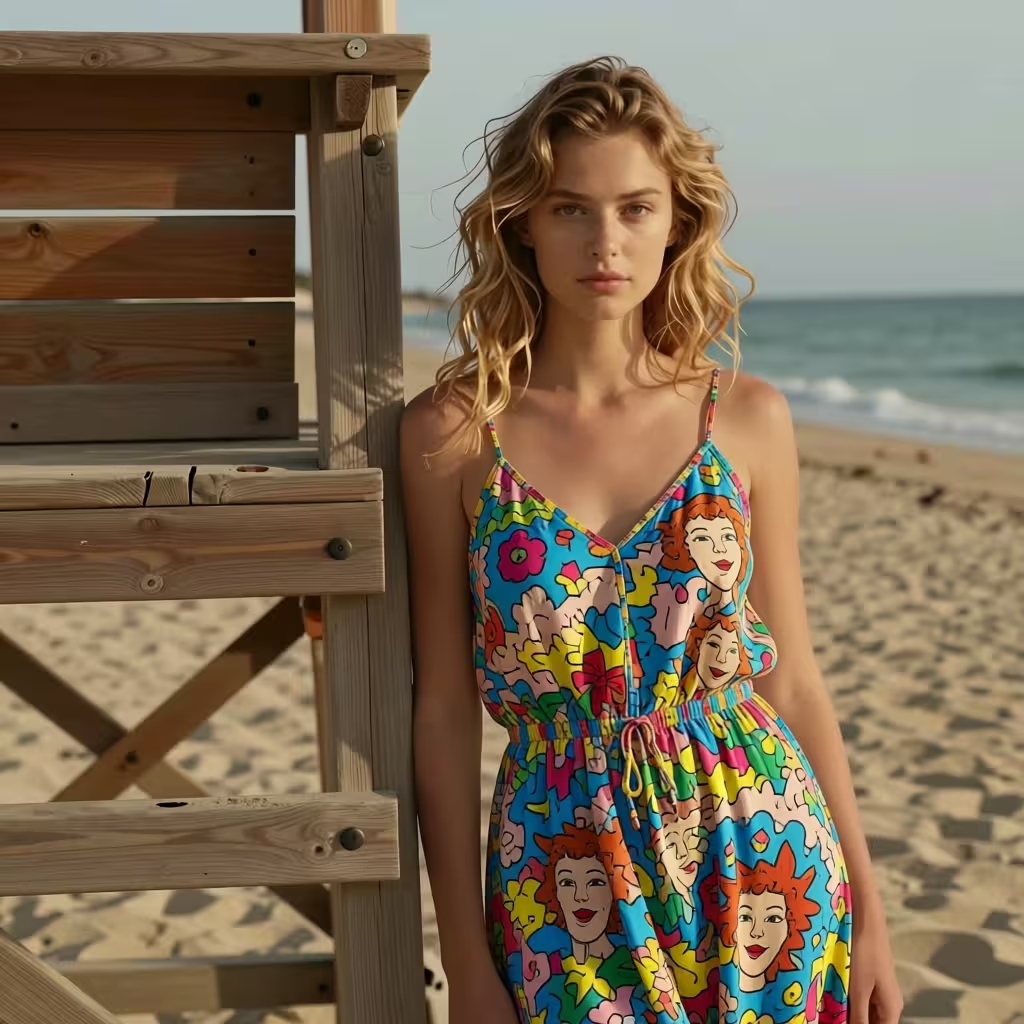
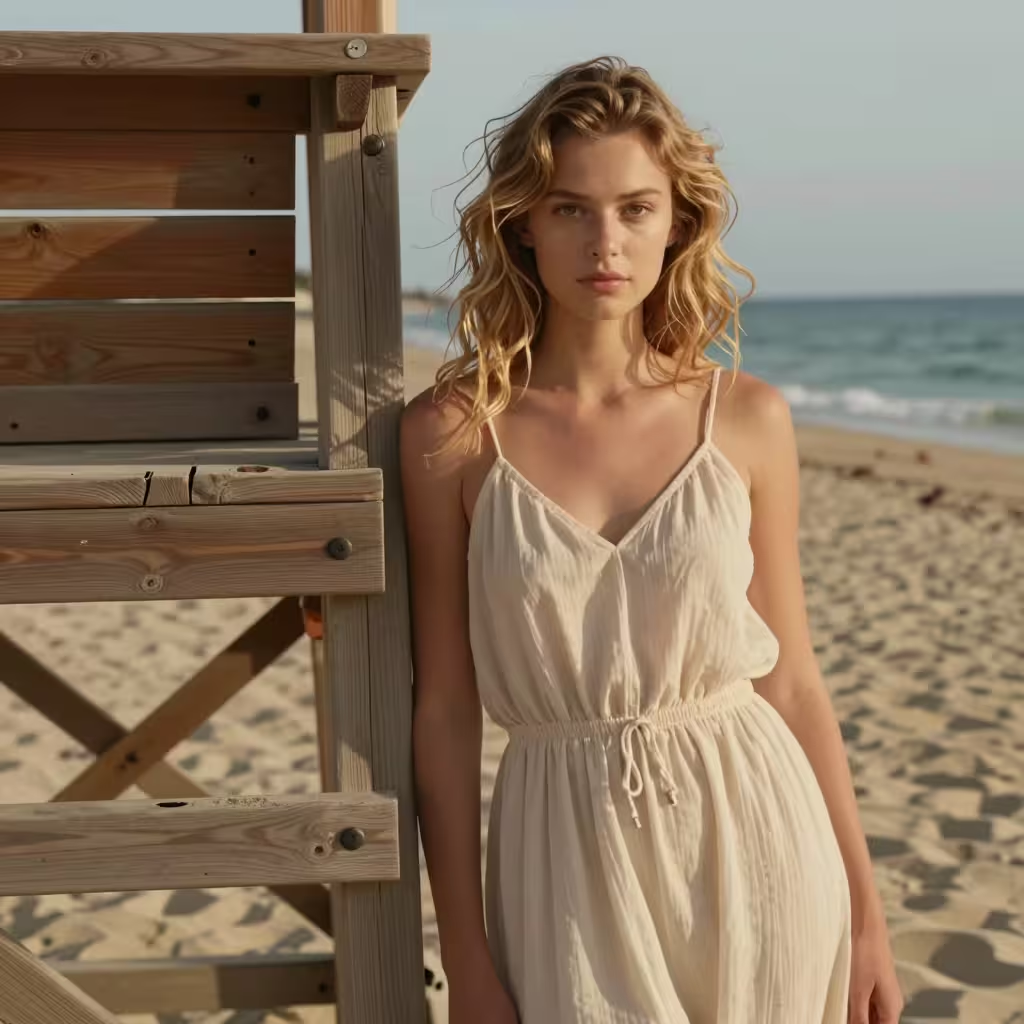
Move the slider to compare before and after.
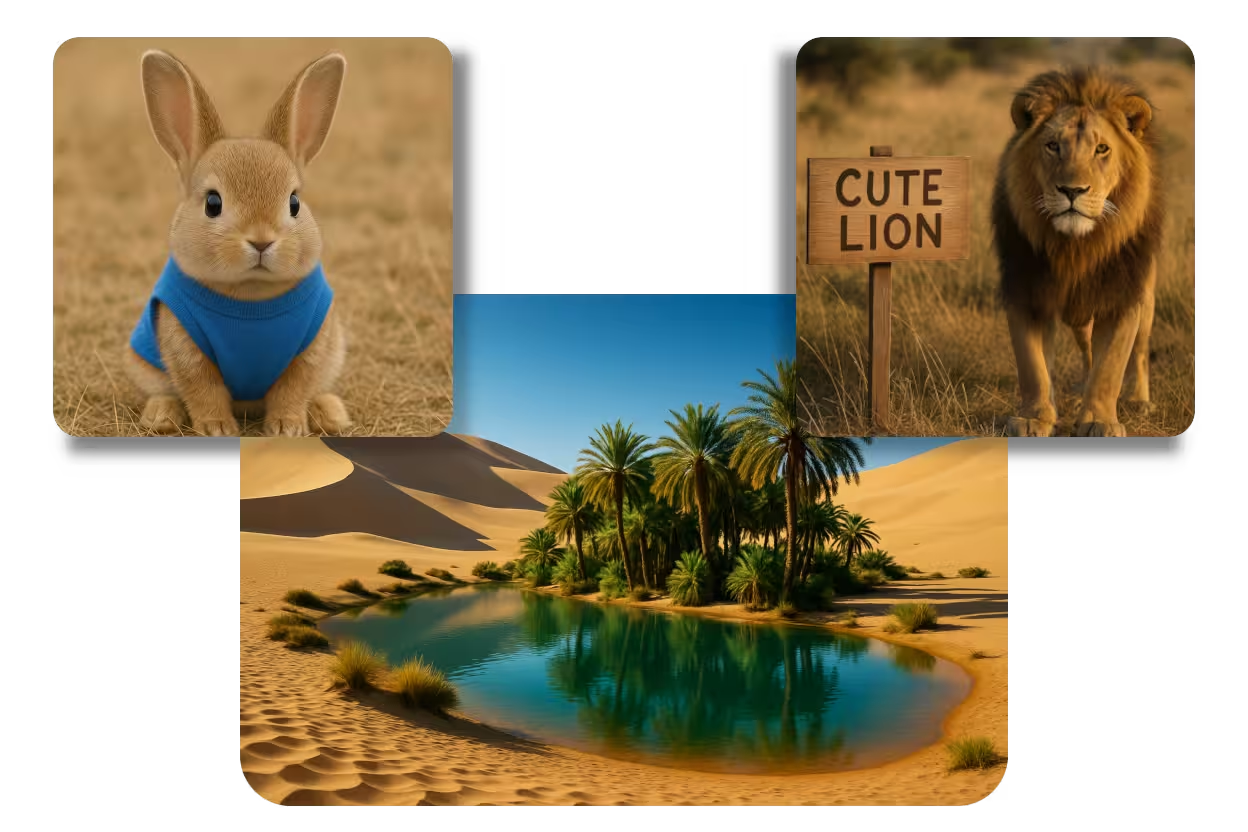
Image combining while keeping proportions
Combine multiple inputs into one coherent scene. AfterGen can merge subjects with natural scale and lighting, blending edges so the final composition feels like a single, consistent image.

and much more...
Pick an example and start editing


